

Description
Download Kaspersky Password Manager – Secure, Free Password Manager for Windows, Mac, Android & iOS
Secure & Smart: Why Kaspersky Password Manager Stands Out in 2024
In today’s digital-first world, managing dozens of online accounts with unique, strong passwords is no longer optional—it’s essential. Kaspersky Password Manager rises to this challenge with a robust, user-friendly approach that combines enterprise-grade security with everyday simplicity. As a product from one of the world’s leading cybersecurity firms, it doesn’t just promise protection—it delivers it. The core of its functionality lies in a single, powerful master password that unlocks your entire digital vault. Once authenticated, your passwords, credit card details, and personal notes are securely stored using AES-256 encryption, the gold standard in data protection. This ensures that even if your device is compromised, your sensitive information remains inaccessible to attackers. What sets Kaspersky apart is its seamless integration across platforms. Whether you're using Windows, Mac, Android, or iOS, the app syncs your data in real time through a secure cloud connection. This cross-device compatibility is crucial for users who switch between desktops, laptops, and mobile devices throughout the day. The browser extension—available for Chrome, Firefox, Edge, and others—automatically detects login fields and offers to save or autofill credentials. This eliminates the need to manually enter passwords or risk using weak, repeated ones. The app also features a built-in password generator that creates complex, random passwords with customizable length and character types, helping you avoid predictable patterns like “123456” or “password123.” Additionally, Kaspersky Password Manager includes advanced security features such as a secure password vault, auto-lock after inactivity, and two-factor authentication (2FA) support. These layers ensure that your data is protected not only from external threats but also from unauthorized access on your own device. With regular updates and a transparent privacy policy, Kaspersky continues to uphold its reputation as a trustworthy name in cybersecurity. For anyone serious about digital safety, this tool is a must-have.Powerful Features That Make Password Management Effortless
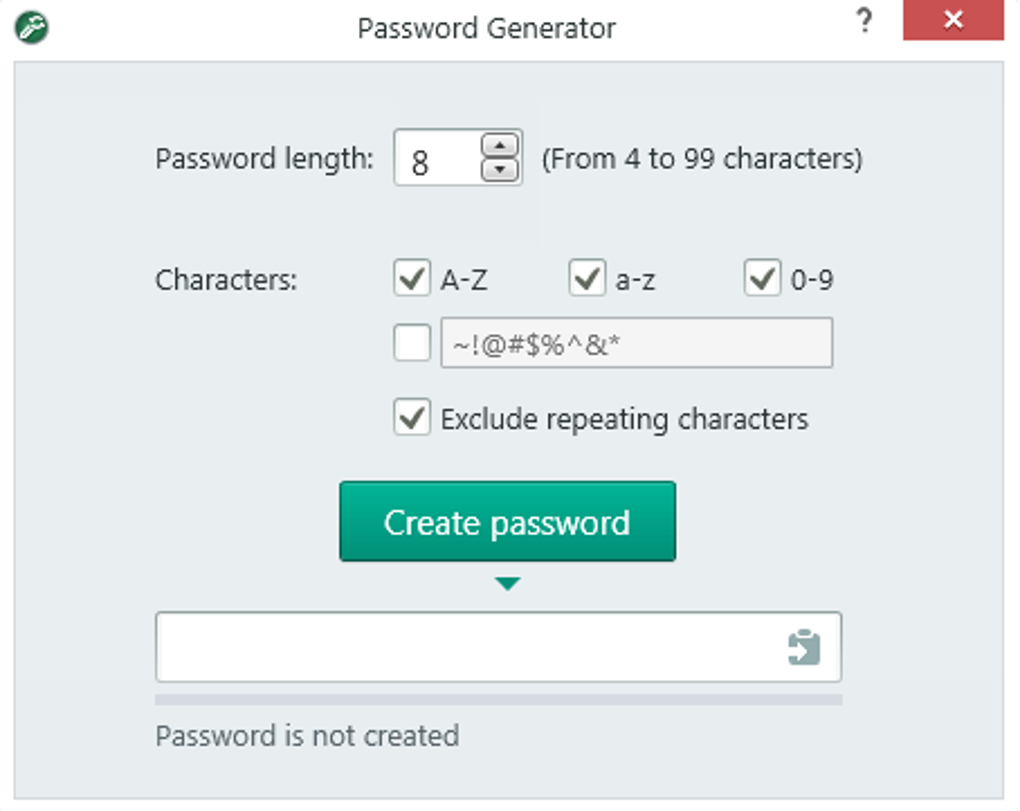
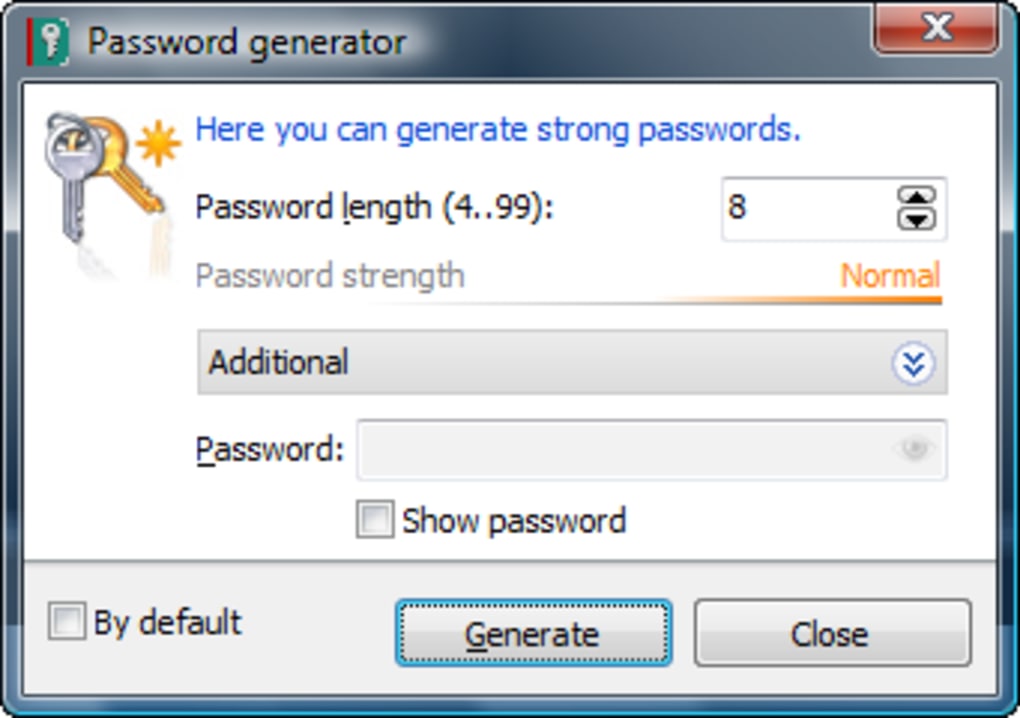
Kaspersky Password Manager isn’t just secure—it’s smartly designed to simplify your digital life. Its feature set goes far beyond basic password storage, offering tools that enhance both convenience and security. One of the standout features is the **auto-fill functionality**, which works across all major browsers and mobile apps. Whether you're logging into your email, banking portal, or social media account, the manager detects the login form and fills in your credentials with a single click. This not only saves time but also reduces the risk of typos or phishing attacks that occur when entering passwords manually. Another powerful tool is the **password generator**, which creates highly secure, random passwords tailored to your needs. You can customize the length, include or exclude specific characters (like numbers, uppercase letters, or special symbols), and even set rules for avoiding ambiguous characters (like “0” and “O”). This is especially useful when creating passwords for high-risk accounts like banking or cryptocurrency wallets. The manager also includes a **security check feature** that scans your saved passwords for weak, reused, or compromised credentials. If it detects a breach, it alerts you immediately and suggests stronger alternatives. The **digital wallet** function allows you to store not just passwords but also credit card details, ID documents, and personal notes—all encrypted and protected by your master password. This is ideal for travelers who need quick access to passport info or users managing multiple online subscriptions. The **secure sharing** feature lets you share passwords with trusted contacts via encrypted links, with options to set expiration dates and viewing limits. This is perfect for team collaboration or helping family members access shared services like streaming platforms. Finally, the **timeout and auto-lock** settings let you define how long the app stays unlocked after use. You can set it to lock after 30 seconds or 5 minutes, adding an extra layer of protection when stepping away from your device. These features, combined with real-time sync and a clean, intuitive interface, make Kaspersky Password Manager one of the most comprehensive tools in its category.Easy Installation, Cross-Platform Compatibility, and Daily Use
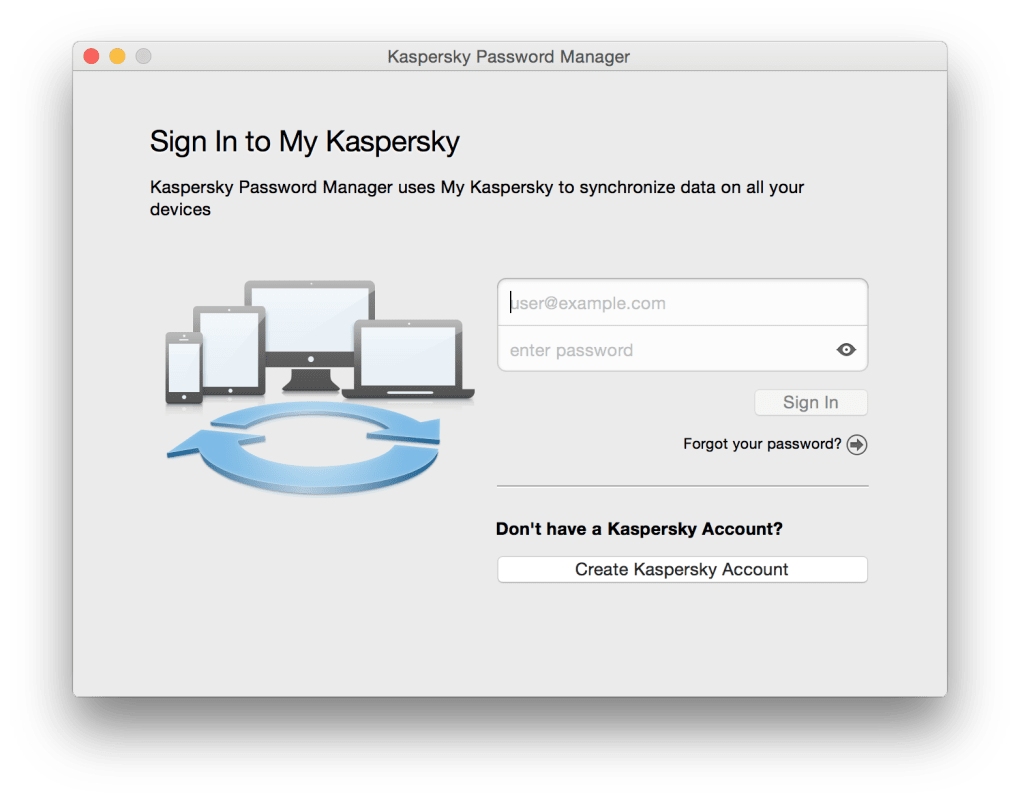
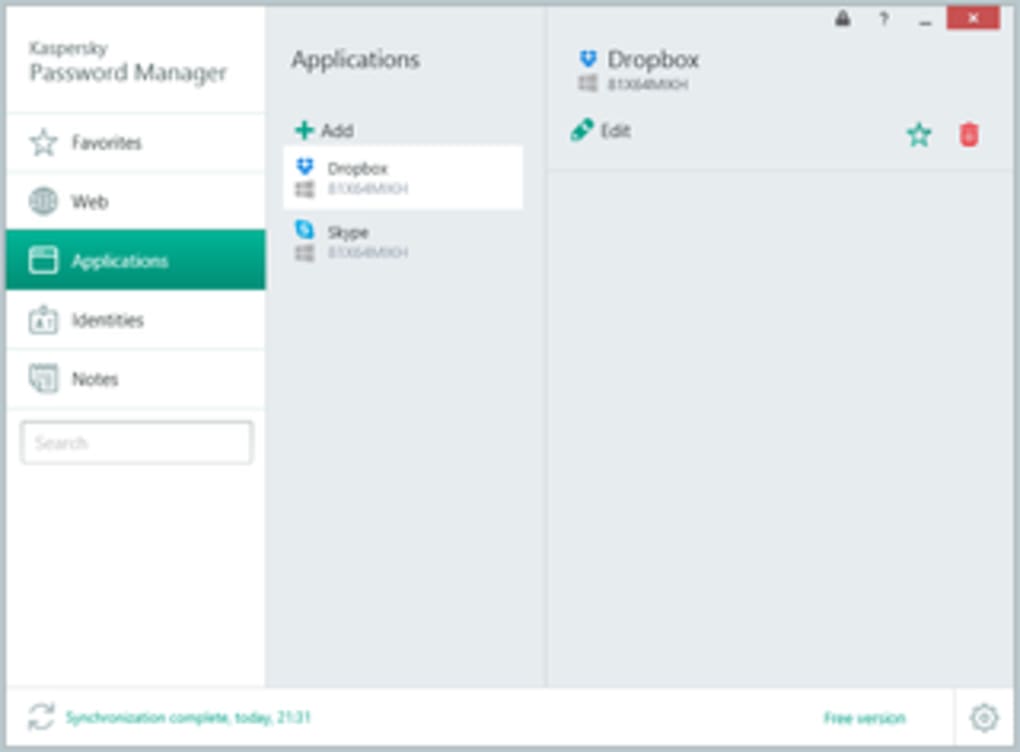
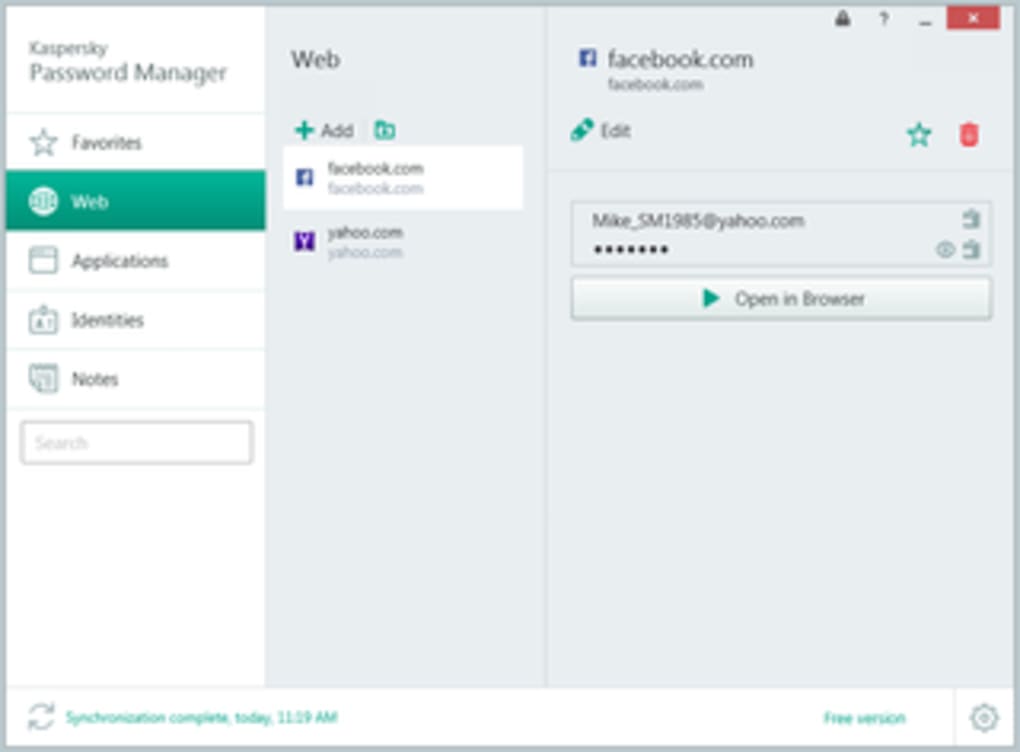
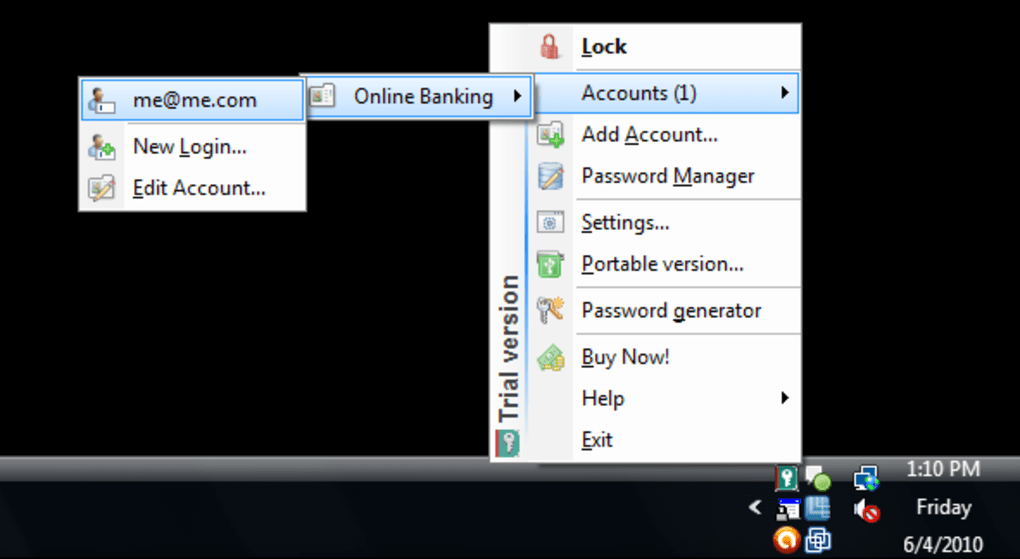
Getting started with Kaspersky Password Manager is a breeze, regardless of your operating system. The download process is straightforward: visit the official Kaspersky website, choose your platform (Windows, Mac, Android, or iOS), and install the app with just a few clicks. The setup wizard walks you through creating a strong master password, enabling two-factor authentication, and syncing your data across devices. Once installed, the app runs quietly in the background—visible only in your system tray or app drawer—ready to assist whenever you need it. For Windows and Mac users, the desktop app integrates deeply with the operating system. It automatically detects login forms in supported browsers and prompts you to save or fill credentials. On Android and iOS, the mobile app offers a touch-friendly interface with biometric login options like fingerprint or facial recognition, making access both fast and secure. The app also supports cloud sync, so your password vault is always up to date, no matter which device you're using. Using Kaspersky Password Manager daily is intuitive. Simply open the app or click the browser extension icon when logging in. It instantly displays your saved credentials, and you can choose to auto-fill, view, or edit them. You can also search for accounts by name or URL, making it easy to locate specific entries. For added convenience, the app supports keyboard shortcuts and customizable themes to match your preferences. The app is lightweight and doesn’t slow down your system. It updates automatically in the background, ensuring you always have the latest security patches and feature improvements. With clear onboarding guides and responsive customer support, even first-time users can master the tool in minutes. Whether you're managing personal accounts or securing business logins, Kaspersky Password Manager fits seamlessly into your workflow.Key Features
- End-to-end AES-256 encryption for maximum security
- Auto-fill and auto-save across browsers and mobile apps
- Advanced password generator with customizable rules
- Secure digital wallet for credit cards, IDs, and notes
- Real-time sync across Windows, Mac, Android, and iOS
- Two-factor authentication (2FA) and biometric login support
- Security audit to detect weak or reused passwords
- Encrypted password sharing with expiration and access controls
Pros
- Strong encryption and trusted security from Kaspersky
- Seamless cross-platform sync and compatibility
- Intuitive interface and easy setup process
- Powerful password generator and security scanner
- Free version available with essential features
- Biometric login on mobile devices
Cons
- Limited browser support (missing Opera, some niche browser issues)
- Advanced features locked behind premium subscription
- Occasional sync delays on older devices
- Less customizable than some competitors (e.g., Bitwarden)
Frequently Asked Questions (FAQ)
Is Kaspersky Password Manager free to use?
Yes, Kaspersky Password Manager offers a free version that includes core features like password storage, auto-fill, password generation, and basic sync across devices. However, advanced features such as unlimited secure sharing, priority support, and advanced security audits are available only in the premium subscription.
Does Kaspersky Password Manager work on Chrome and Firefox?
Yes, the browser extension is fully compatible with Chrome, Firefox, Microsoft Edge, and Safari. It automatically detects login forms and offers to save or autofill credentials. However, some users have reported minor issues with Opera and older browser versions.
Can I use Kaspersky Password Manager on both Windows and Mac?
Absolutely. Kaspersky Password Manager is available for Windows 7 and later, Mac OS X 10.12 and above, Android 5.0+, and iOS 12+. Your data syncs securely across all devices, ensuring consistent access no matter which platform you're using.
How secure is my data in Kaspersky Password Manager?
Your data is protected with end-to-end AES-256 encryption. Only you can access your password vault with your master password. Kaspersky does not store your master password or decrypted data on its servers, ensuring your privacy is always preserved.
Can I share passwords securely with family or coworkers?
Yes, the secure sharing feature allows you to send encrypted password links to trusted contacts. You can set expiration dates, limit access attempts, and revoke sharing at any time. This is ideal for sharing streaming logins or work credentials safely.
Final Verdict: A Reliable Choice for Secure Password Management
Kaspersky Password Manager is a top-tier solution for anyone looking to simplify and strengthen their online security. With its strong encryption, intuitive design, and seamless cross-platform functionality, it stands out as one of the most trustworthy tools in the market. While the browser support could be broader and some advanced features require a paid upgrade, the free version offers exceptional value for everyday users. If you're tired of forgetting passwords, reusing weak ones, or falling victim to phishing scams, this app is a game-changer. It’s ideal for individuals, families, and small businesses alike. Whether you're managing personal accounts or securing sensitive work data, Kaspersky Password Manager delivers peace of mind. Download Kaspersky Password Manager today and take full control of your digital identity—secure, simple, and free to start.Guides & Tutorials for Kaspersky Password Manager
How to install Kaspersky Password Manager
- Click the Preview / Download button above.
- Once redirected, accept the terms and click Install.
- Wait for the Kaspersky Password Manager download to finish on your device.
How to use Kaspersky Password Manager
This software is primarily used for its core features described above. Open the app after installation to explore its capabilities.
User Reviews for Kaspersky Password Manager 0
No reviews found





